Finding Courses You Have Registered For
The simplest way to find the courses you have registered for is to click the My Courses link in the top right next to the profile picture.

This will show a list of all of the courses that you are registered for.
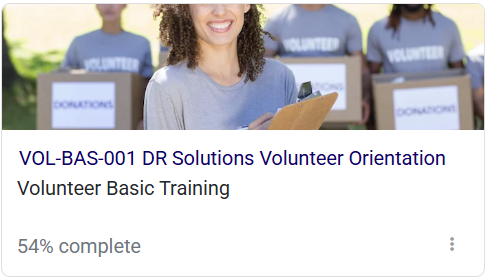
Each course is shown as a "Course Card" that gives basic information like the course number and title, the course category, and your completion status if you have started the course. Click on the course number and title or the picture above it to open that course.
To continue with the next part of this lesson, click the  button below.