Finding and Downloading Your Course Certificate
Getting to your Course Certificate depends on where you are to start.
In the Course
If you are still in the course for which you want to access your Course Certificate, there should be a link in the Course Contents on the left side for the Certificate.
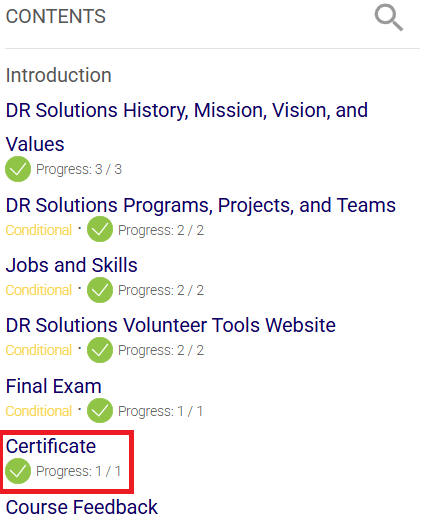
Click the Certificate link to go to the Course Certificate page. You will see a Custom Certificate activity.

Click the title to go to the download page.
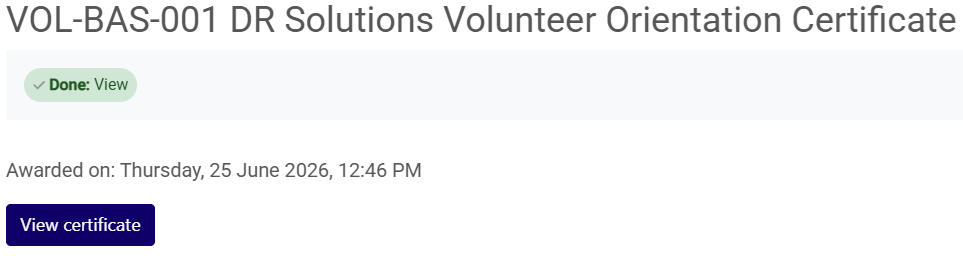
Click the  button to access the Course Certificate PDF file. At take a moment to generate and download the certificate file and then the PDF will open. You can save and/or print the PDF from there. Click the browser's back button to go back to the course.